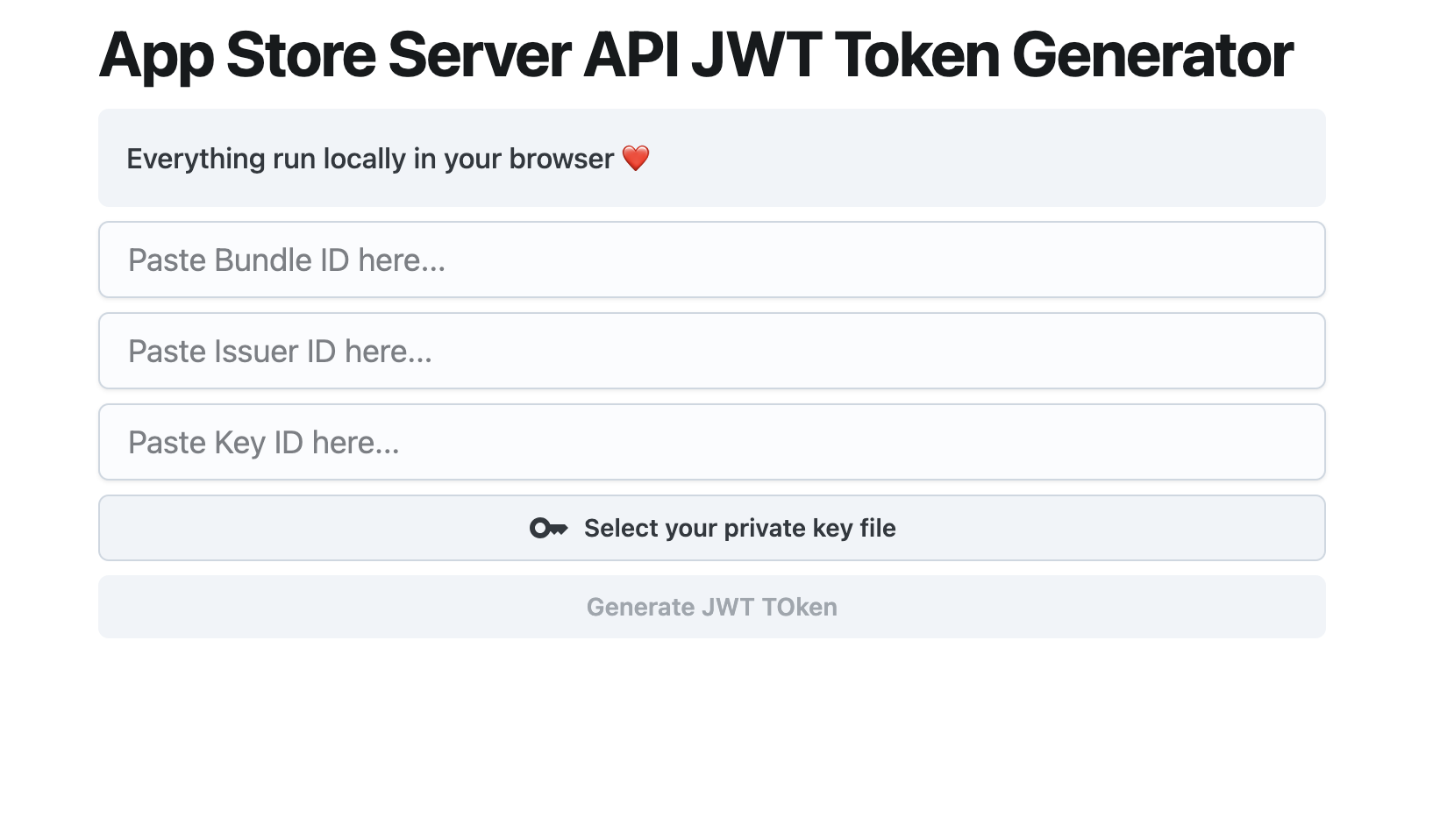
Intro
App Store Connect requires you to create API Key by signing a JWT API Token with mixed credentials and identities. This tutorial will guide you through the process of creating one.
Make sure you have all the required data
keyId: Key ID will be displayed when you generate new private key in Users And Access / Keys section.issuerID: ID associated with you in the Users And Access / Keys section.bundleId: Your app bundle IDprivateKey: The private key file you download from App Store Connect.
Code Sample
You’ll need to use the jwt gem to handle JWT generation.
require 'jwt'
require 'openssl'

def generate_jwt(header, payload, private_key_content)
  # Convert the private key string to an OpenSSL::PKey::EC object
  private_key = OpenSSL::PKey::EC.new(private_key_content)

  # As of jwt gem version 2.x, :algorithm option should match the `header[:alg]`.
  # Kid and Typ can be included in the JWT header directly.
  token = JWT.encode(payload, private_key, header[:alg], header)

  return token
end

def gen_token(kid, iss, bundle_id, private_key_content)
  header = {
    alg: 'ES256',
    kid: kid,
    typ: 'JWT'
  }

  payload = {
    iss: iss,
    iat: Time.now.to_i,
    exp: Time.now.to_i + 30 * 60, # 30 minutes
    aud: 'appstoreconnect-v1',
    bid: bundle_id
  }

  token = generate_jwt(header, payload, private_key_content)

  return token
end

# Usage example with dummy variables
key_id = 'your-kid'
issuer_id = 'your-issuer-id'
bundle_id = 'your-bundle-id'
private_key_content = '-----BEGIN EC PRIVATE KEY-----...'

tkn = gen_token(key_id, issuer_id, bundle_id, private_key_content)
puts tkn
Things to be noted:
- You need to ensure that you have the
jwtgem installed (gem install jwt). - You pass the
headerwhen callingJWT.encode, and it will set the rightalg,kid, andtypinside the JWT token header. - In the code, the
private_key_contentshould contain your actual EC private key in PEM format, which you will use for signing the JWT.
Alternative tool
Or if you just want to play around with the API, use our complete free Chrome Extension to generate key “locally” with complete privacy.