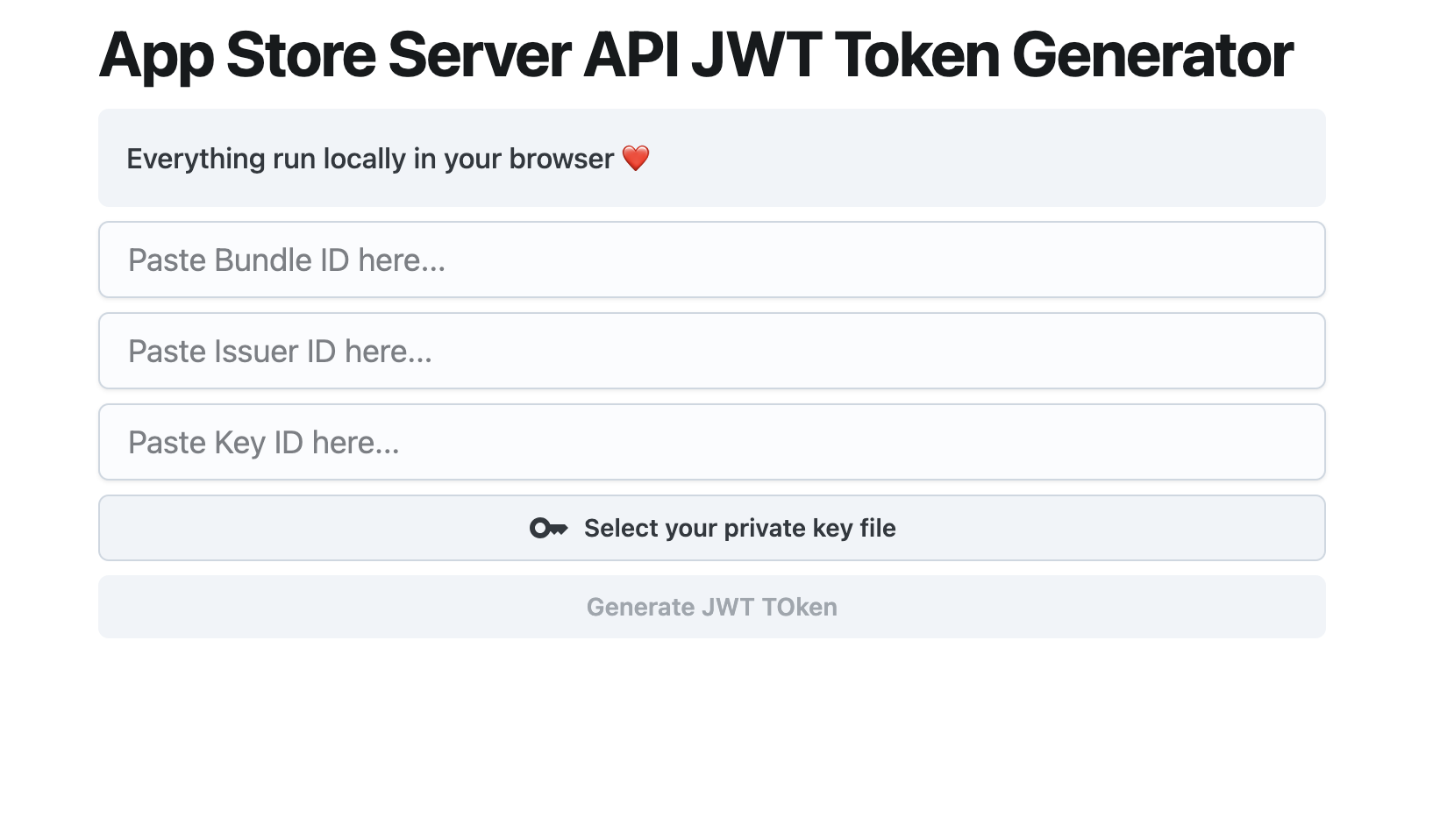
Intro
App Store Connect requires you to create API Key by signing a JWT API Token with mixed credentials and identities. This tutorial will guide you through the process of creating one.
Make sure you have all the required data
keyId: Key ID will be displayed when you generate new private key in Users And Access / Keys section.issuerID: ID associated with you in the Users And Access / Keys section.bundleId: Your app bundle IDprivateKey: The private key file you download from App Store Connect.
Code Sample
const jose = require('jose');

async function generateJWT(header, payload, privateKey) {
  const key = await jose.importPKCS8(privateKey, 'ES256');
  const token = await new jose.SignJWT(payload)
    .setProtectedHeader({
      alg: header.alg,
      kid: header.kid,
      typ: header.typ
    })
    .sign(key);

  return token;
}

async function(kid, iss, bundle_id, privateKey) {
  const header = {
    alg: 'ES256',
    kid: kid,
    typ: 'JWT'
  };

  const payload = {
    iss: iss,
    iat: Math.floor(Date.now() / 1000),
    exp: Math.floor(Date.now() / 1000) + 30 * 60, // 30 minutes
    aud: 'appstoreconnect-v1',
    bid: bundle_id
  };

  let token = await generateJWT(header, payload, privateKey);

  return token;
}

let tkn = await genToken(keyId, issuerID, bundleId, privateKey);
Alternative tool
Or if you just want to play around with the API, use our complete free Chrome Extension to generate key “locally” with complete privacy.